
Bring your content in
Import media from your device or local network. Arrange a playlist and preview the experience before anything reaches a screen.
Give your team space to create, schedule and control content. Give every display the resilience to keep playing when the network cannot.
Your network. Your timing. Your screens.

01 / HOW IT WORKS
A simple publishing flow on top of an infrastructure that does the difficult work for you.
Import media from your device or local network. Arrange a playlist and preview the experience before anything reaches a screen.
Pick your displays, set a schedule and publish a version your team can track. Every location can have its own rhythm.
Follow delivery and playback from Master. Players hold on to prepared media locally when connectivity disappears.
02 / BUILT FOR CONTINUITY
Master coordinates releases over your local network. Each Player checks and stores its prepared media. When connectivity drops, content already on the device continues to play.
New releases and live commands resume when the connection returns.
See how offline playback works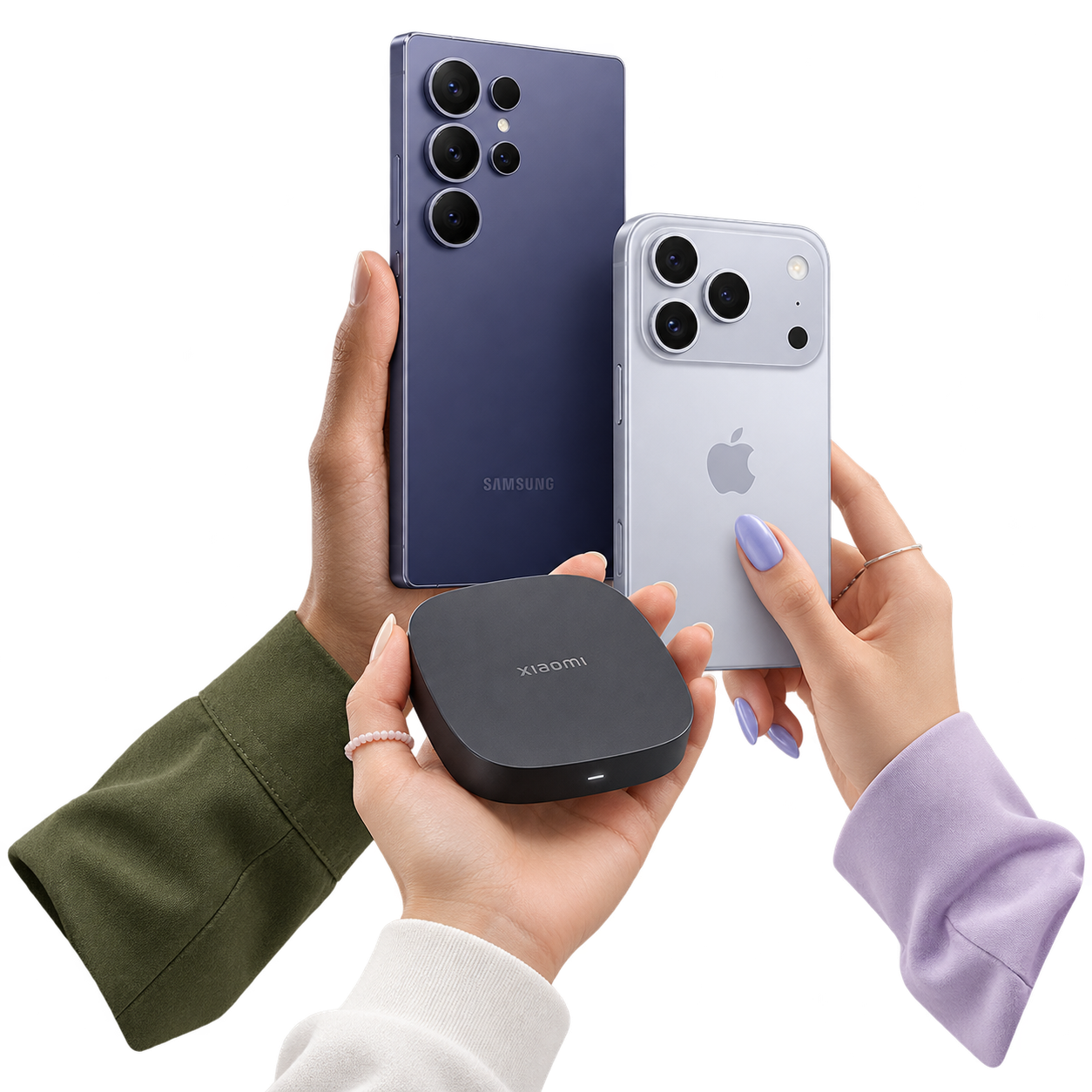
03 / ROOM TO OPERATE
The tools behind your screens stay close at hand. The work stays easy to see.
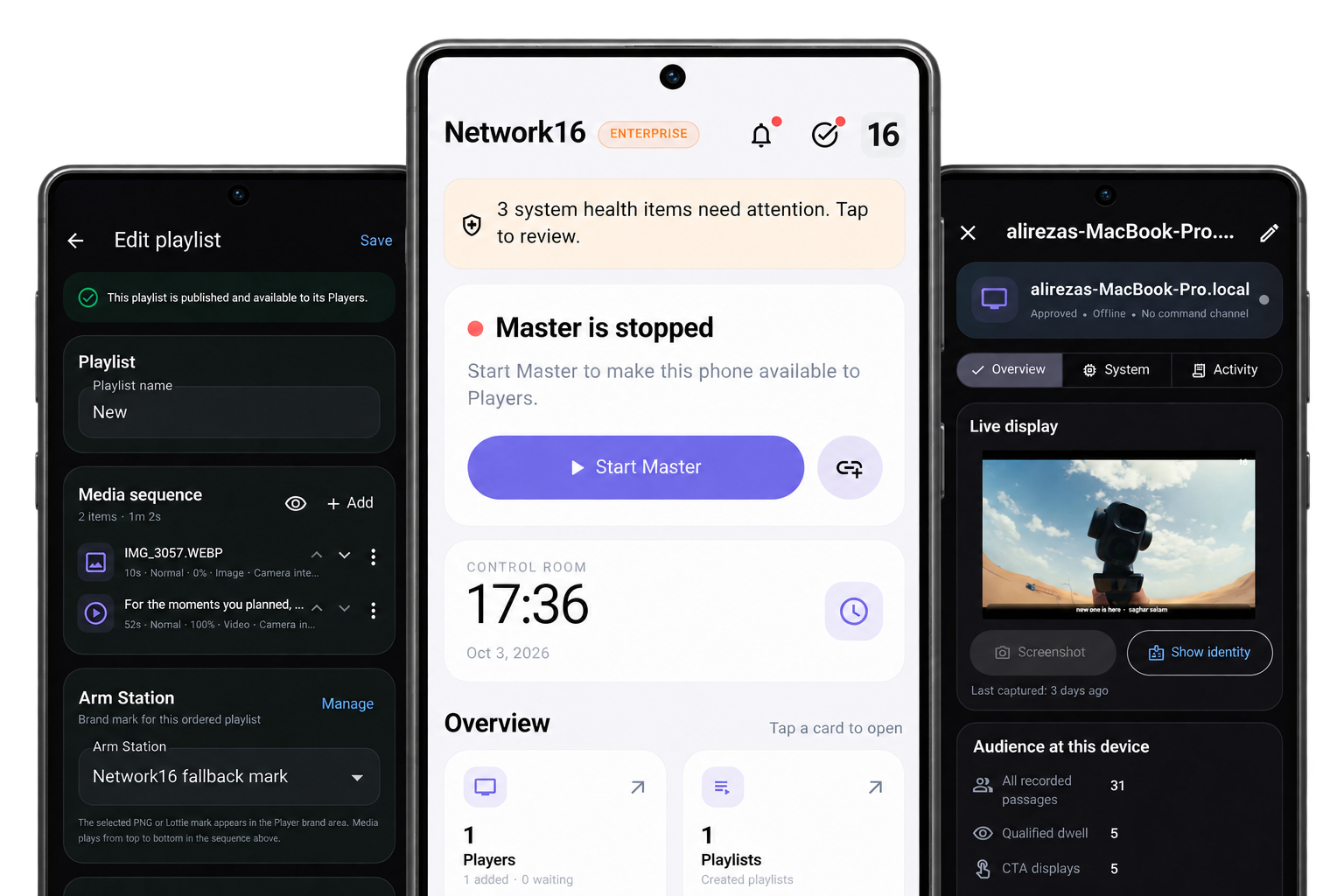
Local media intake, image editing, playlists, previews and targeted publication.
CREATEOne-time, daily and weekly schedules with device targeting and priorities.
SCHEDULEVerified local files, safe release boundaries and recovery after interruption.
CONTINUEDevice status, active content, downloads, events and available screenshots.
OBSERVEEmergency Takeover, independently published tickers and station branding.
RESPONDApproved devices, local users, permissions, security activity and backups.
PROTECTClock and calendar overlays, location-based weather and prayer information, backup and recovery, and optional camera interaction are available for suitable plans and hardware.
04 / IN STEP WITH THE DAY
Morning updates. Afternoon promotions. Evening notices. Schedule content for the time and screens that matter, while your Players keep each prepared moment close.
Find your plan05 / MADE FOR YOUR SPACES
Campaigns, menus and timely promotions across locations.
Internal updates, branded screens and urgent notices.
Information suited to each area and moment of the day.

06 / FIND YOUR SPACE
Choose the screen capacity and features that fit your operation. Plans and prices below come from the live catalog.
Explore the complete Starter experience before you commit.
No payment is required. The demo expires automatically after 7 days.
Reliable local signage for a focused screen network.
A simple production plan without advanced control-room modules.
For teams that need precise control, visibility and synchronized playback.
+460,000 Toman / month for each additional display.
+20 $ / month per additional display.
Call 021-91096488A complete media infrastructure for large and distributed organizations.
Built for factories, campuses, retail networks and mission-critical control rooms.
+15 $ / month per additional display.
Call 021-91096488Yes. A Player downloads and stores its published media locally. It can continue playing the prepared playlist during an internet or local network interruption. New content and remote commands need a working connection to Master.
No. Master coordinates content and Players across your local network. The licensing service may need an internet connection for activation or renewal, but ordinary media playback runs from the Player's local storage.
Add media to the library, assemble a playlist, then publish it to all approved Players, a device category, or selected screens. Master shows delivery status by device, and Players adopt a prepared update at a safe playback boundary.
Yes. Choose the target Players when publishing or scheduling content. Device categories help manage screens together, while device-level settings let you adjust individual displays.
Yes. Schedules can run once, daily, or weekly. Set the start time, time zone, active duration, audience, and priority when schedules overlap. Repeating schedules can have an end date or remain active until paused.
The Player retains its downloaded content and last prepared state, then resumes its local playback timeline after restarting. The exact recovery behavior should be validated on the hardware selected for deployment.
Master shows each Player's connectivity, active playlist and media item, download and sync state, and operational events. You can also request a screenshot when the Player is online and supports capture.
Yes. Emergency Takeover is designed for urgent on-screen messages. Tickers and station branding also have independent publication paths, so routine changes to those elements do not require republishing the main media sequence.
The current Player codebase targets Android and macOS. A Windows Player source port exists and is undergoing build and device validation. Confirm hardware, display, camera, and media format compatibility before a production rollout.
No. Playback and content management work without a camera. Where suitable camera hardware is present, optional audience interaction settings can count passages and display a QR link or discount code after a configured presence period.
YOUR SPACE. YOUR SIGNAL.
Explore a plan for your displays or discuss a larger deployment with our team.